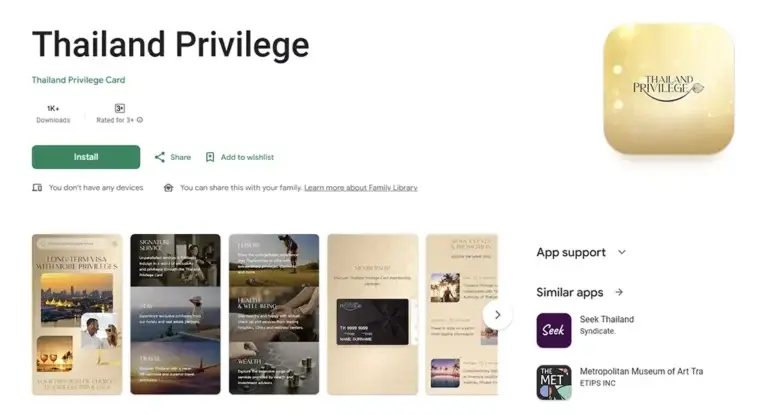
As a Thailand Privilege member, your Thailand Elite Visa grants you access to hundreds of benefits. There are so many that it can be difficult to keep track, let alone use them all. Fortunately, the Thailand Privilege app offers key features that greatly simplify accessing and managing your benefits.
This detailed step-by-step guide shows you how to use the Thailand Privilege Mobile App to further enhance your Thailand Privilege experience.
Where can I find the Thailand Privilege app?
The Thailand Privilege app is available for free in the Apple App Store for iPhone and iPad users and in the Google Play Store for Android users. Simply enter "Thailand Privilege" in the search bar and follow the installation instructions.
Here's how to register for the Thailand Privilege App
You will be prompted to register the first time you open the app. While registration is required to use all of the app's features, it is free and there are no subscription fees. Please have your passport (the one you used to sign up for your Thailand Privilege membership) and your Thailand Privilege membership number ready for registration.
Here's how to register your family in the app
A major advantage of the app is that you can register all family members who have joined your Thailand Privilege membership by setting up additional cards for them. These function similarly to different profiles that you can access from the same device, allowing you to redeem benefits and make bookings on their behalf.
Secure your benefits with the Thailand Privilege App
The app allows you to track all redeemed benefits and view your points balance. It also provides an overview of all available Thailand Privilege benefits.
Book an appointment
Most providers only grant access by prior appointment. To avoid waiting lists and delays, please book well in advance of your desired date.
For some of these bookings, you'll need to wait for confirmation from the provider before you can proceed. This usually only takes a few minutes. You can also tap the "My Bookings" icon at the bottom of your screen and select "View all" to view, change, or cancel your reservation.
Claim benefits with the Thailand Privilege App
If you are at the provider's location on the day of your appointment, you will need to use the app again to claim the benefits. You can also activate benefits for additional added cards by tapping the dropdown menu on the home screen or the "My Booking" page and selecting the desired card. Here's how to activate benefits with the app:
What else can the Thailand Privilege app be used for?
The Thailand Privilege app offers numerous features that simplify the use of your benefits and the management of your membership:
Secure easy access to Thailand Privilege
If you wish to join the prestigious Thailand Privilege Program and enjoy all its premium benefits, contact Siam Legal for professional assistance. As a government-approved General Sales and Services Agent (GSSA), our expert team has the necessary skills and qualifications to activate your membership immediately. Best of all, thanks to our partnership with the Thai government, we offer our services free of charge!
Are you already a member? Then you're in luck! As a Thailand Elite Visa holder, you can refer your friends and family and give them the same benefits. By participating in Siam Legal's Thailand Privilege Referral Program, you earn money every time someone you refer successfully enrolls in the program.
LIVE SUPPORT
CALL
CHAT
Chat with our employee




Community
Comments 0
Start the conversation.